SellerScale vs Shopkeeper: the tool that actually picks your Amazon FBA product
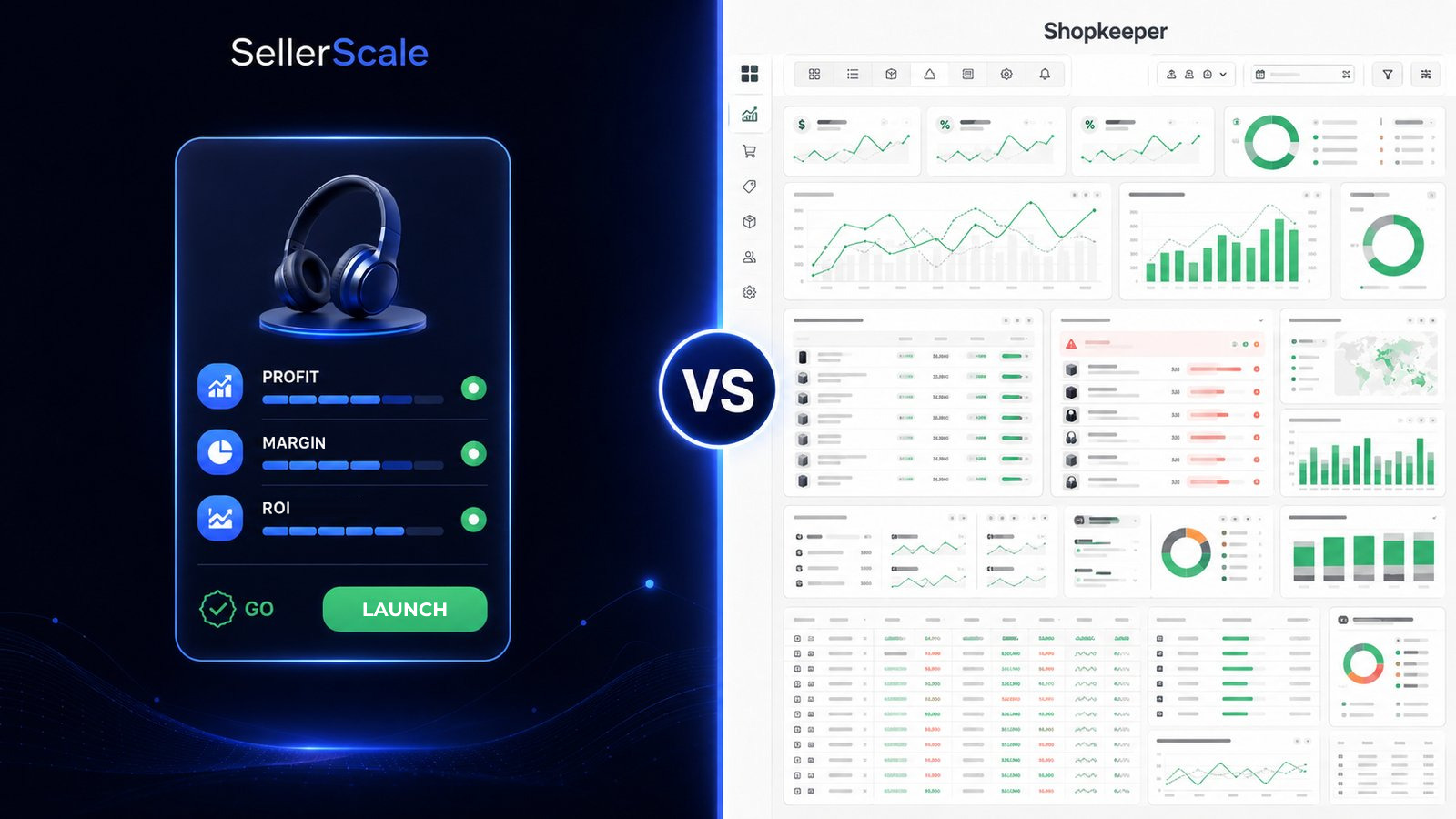
You are looking for a Shopkeeper alternative that tells you what to sell on Amazon FBA, not just what you made once the money is already spent. Shopkeeper is a profit tracker: it tells you whether you are making money after the fact, on a product you picked yourself. SellerScale starts at the other end. You enter your starting capital, and you get products that have already been checked, with their real numbers and your investment plan, plus the supplier for each one and the sales page written for the product you launch. 39 dollars a month.
Shopkeeper measures your profit, once the product is already chosen
Shopkeeper is a profit dashboard. It connects to your Amazon account, pulls in your sales, your fees, your margins and your stockouts, then shows you whether each product is making money. That is useful, on one condition: you have to be selling already. Until you have picked a product, Shopkeeper has nothing to measure. It looks in the rear-view mirror, never at the road ahead. And the hardest part, the one where most sellers get it wrong, is picking the product. That is exactly where Shopkeeper leaves you on your own.
On price, Shopkeeper runs from 20 dollars a month on the entry plan (up to 250 orders) to 250 dollars a month at high volume, with the bill climbing as your order count grows. The entry plan is cheaper than SellerScale, no argument there. But the two tools answer different questions. Shopkeeper tells you whether you were right, once the money is already committed. SellerScale tells you what to buy while the money is still in your account.
SellerScale hands you the product before you spend a dollar
SellerScale works from the opposite end. Product research is our job, not yours. You enter your starting capital and you get products that have already been checked, with the real numbers: the supplier's minimum order on each one, Amazon's referral fee, the FBA fulfillment fee, the demand on amazon.com, and an investment plan sized to what you can actually put in. Not raw data to sort through for a weekend. One named product, ready to launch, with its supplier found and its sales page already written. The supplier's real purchase price and production time come with the Growth plan, at 79 dollars a month.
The margin is worked out before you buy, not measured after the sale. That is the whole difference. Shopkeeper tells you in month three that a product was never going to work at that unit cost. SellerScale tells you in five minutes, before the order is placed, and moves you on to the next product on the list. You watch your numbers once you are selling. But the expensive mistake happens before that, at the moment you choose what to buy.
SellerScale vs Shopkeeper, line by line
| SellerScale | Shopkeeper | |
|---|---|---|
| What you get | Products already checked, with their numbers | Your sales, fees, margins and stockouts, product by product |
| Who finds the product | We do, that is what you pay for | You do, before you connect it |
| Useful before you launch | Yes, it tells you what to sell | It starts working once your orders come in |
| When you see the margin | Before you buy | After the sale |
| Where it starts | Your starting capital | Your Amazon seller account |
| What you walk away with | One named product with its supplier | Your profit per product, month by month |
| Price | From 39 dollars a month, set by your starting budget, not your order volume | 20 to 250 dollars a month, by order volume |
SellerScale or Shopkeeper: which one in 2026?
If you are starting out, there is no contest. Shopkeeper starts working the day your first orders land, and finding the product that brings those orders in is the entire job. SellerScale gives you one on day one, from your starting capital, with the supplier and the sales page. If you are already selling, you want your next winner without burning your evenings on spreadsheets, and you want the margin checked before the purchase order goes out. Either way, you start with the product. Measuring comes after, and it is worth very little if the product was wrong from the start.
Common questions about Shopkeeper alternatives
- Is there a Shopkeeper alternative that finds the product for you?
- Yes. SellerScale is built around the step that comes before a profit tracker: choosing what to sell. You enter your starting capital, it hands you products that have already been checked, with their fees, their margin and your investment plan, plus the supplier for each one and the sales page written for the product you launch. Shopkeeper reports on the sales you have already made.
- What is the best Shopkeeper alternative for a beginner?
- For a beginner, SellerScale. A beginner has no product yet, so a profit tracker has nothing to track. SellerScale starts from your budget and picks a product for you, with its numbers, its supplier and its sales page, so you know what to sell before you spend a dollar instead of finding out afterwards that the margin was never there.
- How much does Shopkeeper cost?
- Shopkeeper runs from 20 dollars a month on the entry plan (up to 250 orders) to 250 dollars a month depending on your order volume, with a free trial. The entry plan is cheaper than SellerScale, but Shopkeeper only tracks profit after the sale. SellerScale, at 39 dollars a month, gives you the product to launch and the margin worked out before you buy.
- Can SellerScale replace Shopkeeper?
- SellerScale answers the question Shopkeeper leaves open: what to sell. You get a named product, its supplier, its sales page and the margin calculated before the order is placed. Most sellers start there and launch. There is nothing to track until a product is actually selling. Getting the product right first is what decides whether there is any profit to track.
A dashboard grades the game once it is already played. Start with the product instead. Enter your starting capital and look at what SellerScale pulls up: the products, their numbers and your investment plan. 7-day free trial.
See the products picked for your budget →